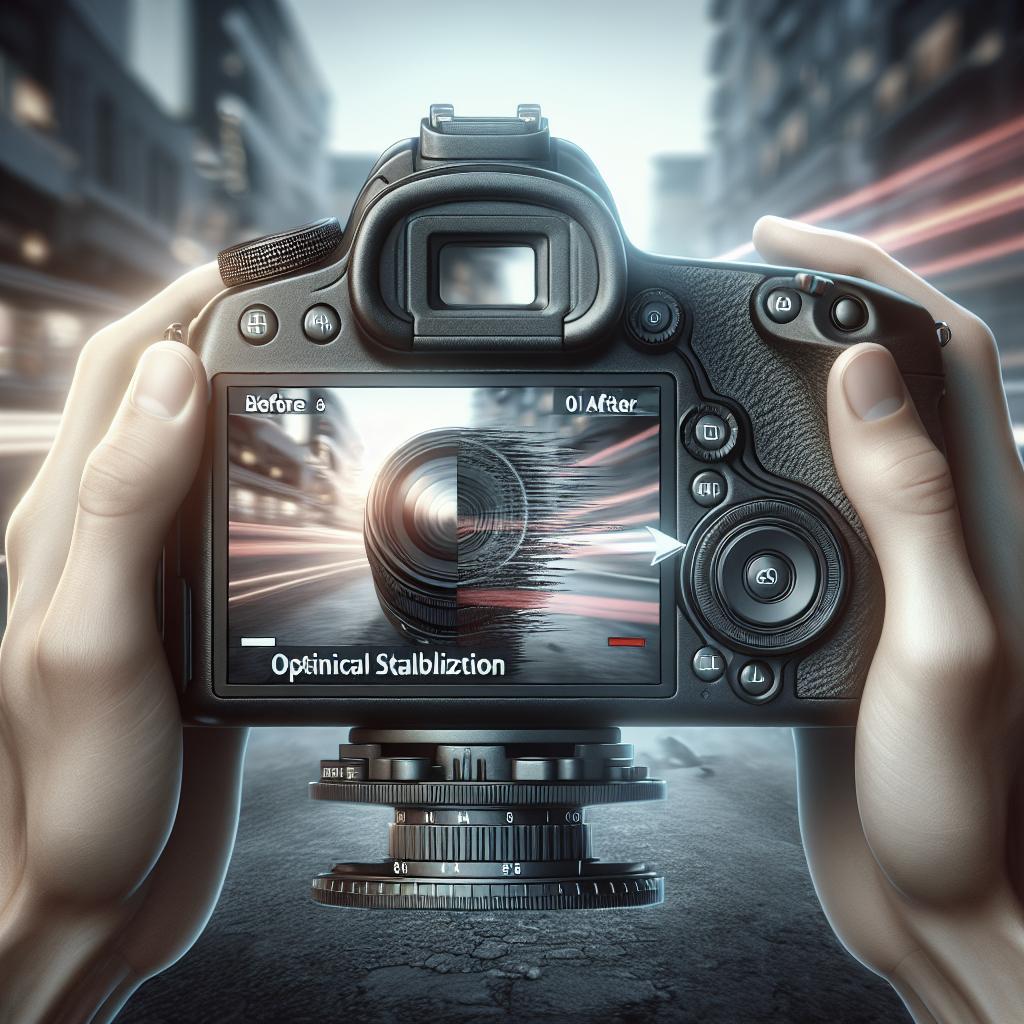
“`html
How Video Resolution Affects Stabilization Options
In the world of video production, both amateurs and professionals seek high-quality, stable footage. Yet, understanding how video resolution affects stabilization is crucial in achieving the best results. This article delves into how different resolutions interact with stabilization techniques, impacting the quality and efficiency of video editing. The following sections will explore various aspects of this relationship, offering insights into what you can do to enhance your video stabilization efforts. Whether you’re a seasoned pro or a curious novice, you’ll find valuable guidance on how resolution influences stabilization and tips for optimizing your video content.
Rate this article
1
When it comes to video resolution, working with low-resolution footage such as 480p can pose challenges for stabilization. The limited pixel count leaves less room for digital correction, often resulting in visible artifacts or quality degradation during stabilization. Editors must strike a fine balance between maintaining visual quality and achieving smooth motion.
In such cases, physical stabilization methods like gimbals or tripods might be more effective than relying heavily on digital solutions. Understanding the limitations at this resolution can help set realistic expectations for the final output, emphasizing the importance of choosing the right tools for the job from the start.
2
In 720p and 1080p resolutions, editors often have more flexibility for post-production stabilization. These resolutions offer a higher pixel density that better withstands cropping or warping during stabilization processes. As a result, editors can utilize digital stabilization software more effectively without substantially compromising footage quality.
This mid-range resolution bracket is an excellent starting point for those new to video stabilization techniques, offering a balanced approach between quality and file size. For many content creators, this level of resolution is often the sweet spot, providing sufficient quality for most online platforms without overwhelming file sizes.
3
Shifting to resolutions such as 2.7K, we see an even greater enhancement in stabilization options. The substantial increase in pixel count allows editors to conduct more aggressive stabilization techniques while still maintaining high levels of video integrity. This allows for sophisticated movements and transitions within the frame, broadening creative possibilities.
This resolution is particularly valuable for dynamic shots, such as action scenes or fast-paced environments, where stabilization is paramount to maintaining visual coherence. However, the increased resolution comes with larger file sizes and demands for computational power, often requiring specialized hardware and storage solutions.
4
4K resolution brings a significant leap in stabilization capabilities, providing editors with substantial leeway for cropping and repositioning during the stabilization process. With four times the pixel count of 1080p, there is plenty of space to manipulate the footage without losing quality, which is invaluable in professional production environments.
The increased detail afforded by 4K helps mask any imperfections introduced during stabilization, making it a preferred choice for high-end content creation and broadcast media. However, the additional resources required for handling 4K footage necessitate robust editing systems and software that can handle intensive video processing tasks.
5
Stepping into the realm of 6K and higher resolutions, we enter a territory that offers exceptional flexibility for stabilization but also intense demands on editing systems. These Ultra-HD resolutions provide unprecedented room for stabilization techniques like supersampling or re-framing without compromising image quality.
In professional settings, the use of 6K and above can deliver breathtaking visuals but requires carefully managed workflows to ensure efficiency and cost-effectiveness. The expansive canvas provided by these resolutions facilitates extensive post-production manipulation, offering unparalleled creative control to editors.
6
Additionally, innovative stabilization technologies are constantly evolving, with AI and machine learning introducing new possibilities at every resolution tier. These advancements allow for more efficient stabilization processes, enhancing quality while minimizing file manipulation.
Regardless of resolution, modern stabilization algorithms are becoming more intelligent, delivering consistently smoother results and adapting to a wide variety of shooting conditions. As these technologies advance, they promise to unlock even more potential regardless of the initial resolution captures.
Thanks for your feedback
Your feedback is crucial to us! It helps us refine our information and give you the best insights into how video resolution affects stabilization options. Your thoughts and experiences provide invaluable data for content improvements and ensuring relevance in the fast-evolving world of video editing.
Engage with us through comments and share your experiences with stabilization and resolution challenges. Let your voice shape the direction of future content and help us deliver articles tailored to your interests and needs.
Tell us more
Let’s dive deeper into any specific resolution or stabilization technique that piqued your interest. We’re here to provide detailed information and advice to further enhance your video content creation journey. Reach out with your questions, and we’ll ensure you grasp the nuances of video resolution and stabilization.
Every video creator’s path is unique. By sharing your own stabilization experiences, you can contribute valuable insights that not only assist your peers but also help refine best practices in the industry. Engage with our community to better navigate your creative projects and achieve fantastic results.
More articles on Video Editing
Explore our extensive library of articles covering a wide range of topics beyond stabilization and resolution, including editing techniques, software comparisons, and tips for capturing the most stunning footage. From novice guides to advanced workflows, our resources can support every stage of your video editing journey.
Stay updated with the latest trends and innovations in video editing, ensuring you remain at the forefront of creativity and efficiency. Dive into topics that expand your understanding or enhance your skill set in the ever-evolving landscape of video production.
Are you sure you want to delete your contribution?
We value and appreciate every contribution from our community. If you are considering deleting your input, we urge you to reconsider. Your perspectives enrich the content and provide diverse voices that inform and educate others throughout their creative efforts.
Instead, consider discussing the concerns or improvements you wish to see. Together, we can perfect the content and ensure it serves the audience effectively and efficiently. Every little bit of feedback or sharing of experiences fosters growth and learning.
Are you sure you want to delete your reply?
Your interactions play a key role in shaping discussions and learning opportunities within our community. Before deleting your replies, think about the value they might bring to others exploring similar topics. Constructive dialogue drives knowledge exchange and enriches everyone’s learning experience.
If you have reservations about your reply, engage with us directly to address the context or clarity. Let’s work together to maintain high-quality discussions and resourceful information that benefits all readers.
Summary of main points
| Resolution | Stabilization Impact | Challenges | Opportunities |
|---|---|---|---|
| 480p | Limited due to low pixels | Visible artifacts | Basic stabilization techniques, physical stabilization |
| 720p / 1080p | Good balance | Moderate flexibility | Ideal for online content |
| 2.7K | Increased pixel count | Larger files | Enhanced creative options |
| 4K | Significant leeway | Needs powerful systems | Professional quality, hidden imperfections |
| 6K and above | Exceptional flexibility | High resource demands | Unparalleled creative control |
| Innovative Tech | Improved efficiency | Developing stage | Enhanced results |
“`